Quick answer
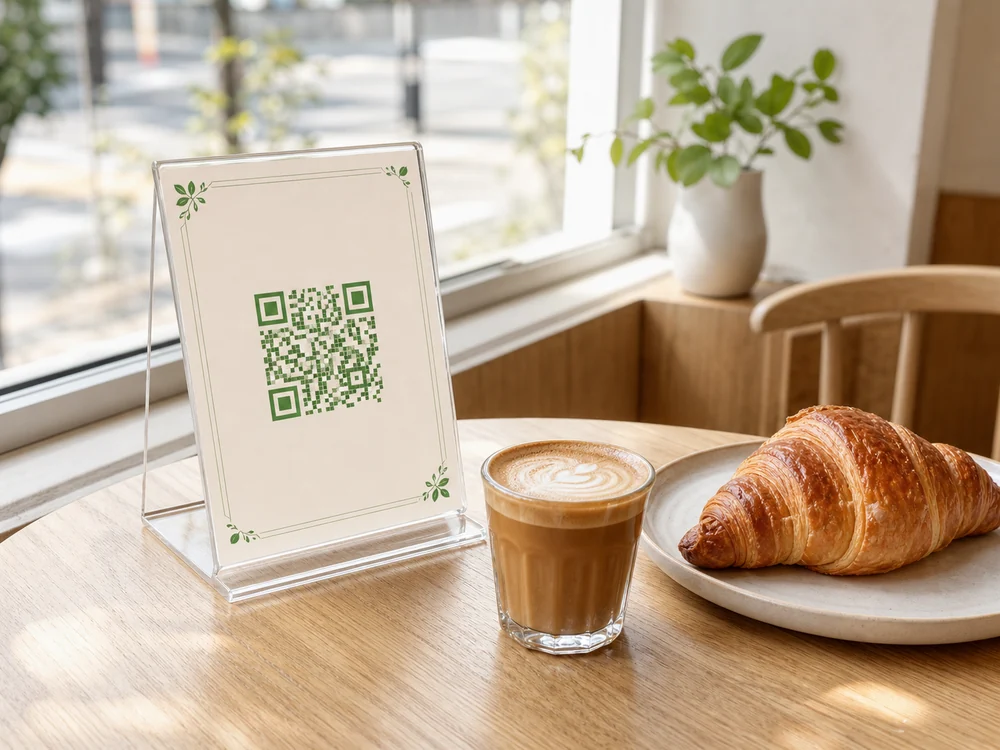
A QR code menu lets a guest open your restaurant’s menu on a phone. Publish a mobile-friendly menu at a reliable web address, create a QR code for that link, print it and test it at a real table.
The code is the easy part. Your menu must show accurate prices, be easy to read and offer an alternative to guests who cannot—or prefer not to—scan.
- Create the menu at a URL you control before generating a QR.
- A fixed QR can show updated menu content at that same URL.
- Ordering and payment require a connected platform; a menu link alone is not enough.
Choose the right menu format
| Format | Best for | Consideration |
|---|---|---|
| Hosted PDF | Quick to launch with an existing readable document | Paper layouts are often hard to read on small screens |
| Mobile web menu | Better for categories, multilingual browsing and updates | Requires maintaining the page and its content |
| Ordering and payment platform | For actual table ordering and checkout | Requires staff, kitchen and payment integrations |
Static vs dynamic QR codes: what actually changes?
The key question is whether you need to change the address encoded in the code—or only the menu shown at that address.
| What matters | Static QR to your URL | Dynamic QR redirect |
|---|---|---|
| Changing dishes at the same address | Yes, edit the page | Yes, edit the page |
| Changing the destination URL itself | Requires a new code or your own redirect | Usually managed through provider redirect |
| Ongoing service dependency | Your menu hosting/domain | Your menu hosting plus redirect provider |
| Practical choice | Useful when your menu URL will stay stable | Consider when destination management is required |
A static QR code stores a fixed destination, but the content at that destination can change. If your code points to a URL you control, you can update dishes and prices on that page without reprinting the code.
A dynamic QR redirect lets you change the destination itself. It can be useful, but is not mandatory just to change the menu. Ask what happens to printed codes if you leave a provider.
Set it up step by step
- Confirm categories, prices, descriptions and availability.
- Publish readable text rather than a tiny picture of a paper menu.
- Make the menu public over HTTPS and test its mobile layout.
- Generate a clear, high-contrast QR code for the final URL.
- Print the code with sufficient clear space and simple scan instructions.
- Test the actual print at the table on different phones.
- Keep a printed menu ready for guests who need one.
Which QR menu setup fits your restaurant?
The seven-point guest test
- Does it scan with an ordinary phone camera?
- Does it load on Wi-Fi and mobile data?
- Can guests read prices without sideways scrolling?
- Can they find a drink or dish quickly?
- Do digital prices match the kitchen’s current menu?
- Can guests ask staff about ingredients or allergies?
- Is a printed or assisted alternative available?
Troubleshooting common QR menu problems
| Problem | Likely cause or check | Practical fix |
|---|---|---|
| QR will not scan | Poor contrast, tiny print or reflective surface | Test final print under dining-room light and simplify the design |
| Page is slow or unreadable | Large photos, weak Wi-Fi or PDF designed for paper | Optimize images, verify guest Wi-Fi and use readable mobile layout |
| Guest sees the wrong price | Menu content is not updated consistently | Assign an owner to update prices and verify the live link |
| Menu service or link stops working | Expired trial, changed URL or hosting outage | Keep a controlled domain/link and a printed fallback |
Accessibility, safety and upkeep
Use clear headings, comfortable touch targets and text that can enlarge. W3C accessibility guidance is a useful reference, but test the real page rather than claiming certification.
Allergen information must be confirmed with staff and the kitchen. A QR menu does not itself establish food-safety or legal compliance.
Check sold-out dishes, prices, links and the QR destination regularly. A menu that loads but shows wrong information is not a good guest experience.
Where QServe fits
QServe currently demonstrates an interactive mobile menu with categories, item details, language switching and table-aware navigation.
Its staff-request screens, analytics and rewards are prototype experiences, not verified production order delivery, payment processing or live staff notifications.
QServe currently demonstrates an interactive mobile menu with categories, item details, language switching and table-aware navigation.
Explore the QServe demo →Frequently asked questions
Do guests need an app?
Not when the QR opens a normal web page in their phone browser.
Can I update prices without reprinting?
Yes, if you control the content at the same URL.
Does a QR menu accept payments?
Not on its own. That requires a separately configured ordering and payment system.
Is a static QR code enough for a changing menu?
Yes, if it points to a stable webpage you maintain. You update the page, not the code.
What if my restaurant has no reliable Wi-Fi?
Test cellular access as well; offer paper menus and check page size and loading time.
How do I handle allergen questions?
Provide a route to a trained staff member and verify ingredients with the kitchen; do not rely on an unverified digital label.